Wallets and security
Supported Wallets and Networks
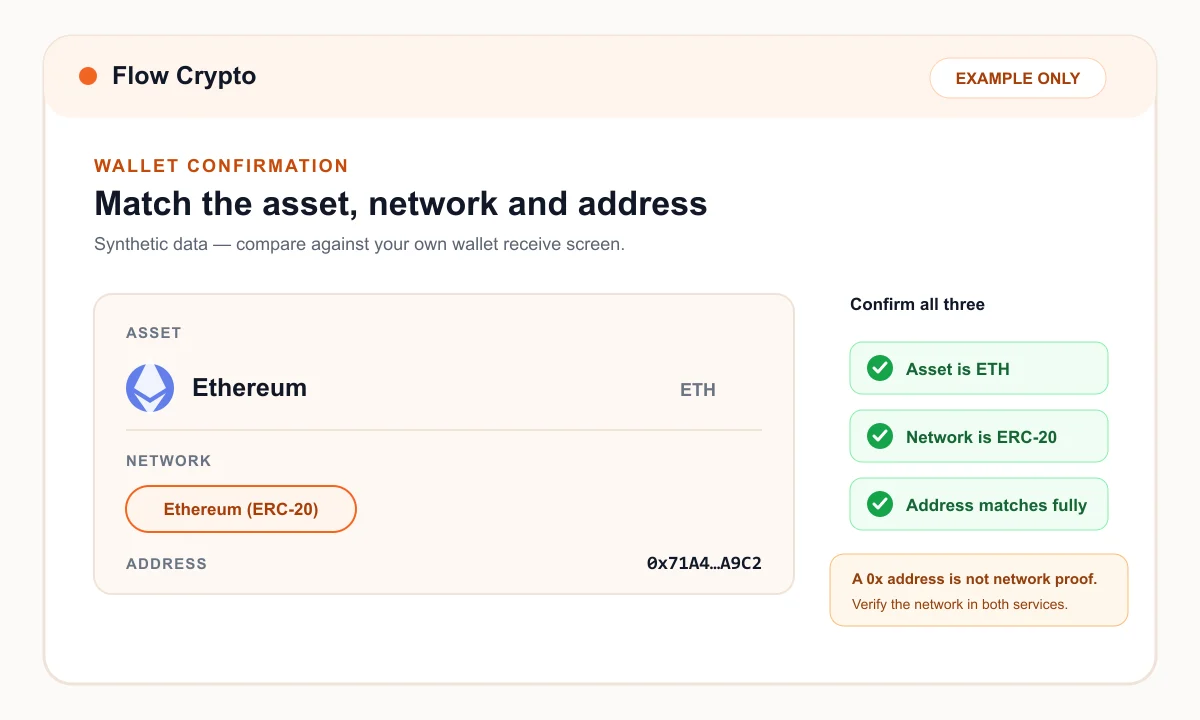
Wallet brand alone is not enough; the receiving wallet must support the selected asset on the selected network.
Last updated

Direct answer
You can use a wallet you control if it can receive the selected asset on the exact network shown in the Flow Crypto order.
Confirm support with the wallet provider and compare the network, address and any memo or destination tag before submitting the order.
On this page
What compatible means, permalink
A wallet may support an asset on one network but not another. Matching address formats can also be misleading, especially across networks that use similar-looking hexadecimal addresses.
Flow Crypto's supported-assets directory shows the networks configured for each asset. Your wallet provider remains the source of truth for what your receiving account can accept.
Confirm before ordering, permalink
- Select the asset and network in Flow Crypto.
- Open the receive screen for that same asset and network in your wallet.
- Copy the address; include a memo or destination tag whenever the wallet requires one.
- Compare the first and last characters and review the network again before confirming.
Exchange and hosted-wallet addresses, permalink
If you use an exchange or hosted wallet, check its deposit instructions immediately before the order. Deposit networks, minimums and memo requirements can change or be suspended.
Make sure the account is yours and that the provider accepts direct blockchain deposits from third-party services. Flow Crypto cannot change a completed blockchain transfer to satisfy a receiving platform's policy.