DOGE with NZD
Buy Dogecoin in New Zealand.
Buy Dogecoin with NZD and receive DOGE in a wallet you control. Review the quote, use the Dogecoin network and follow the payment and delivery steps in Flow.
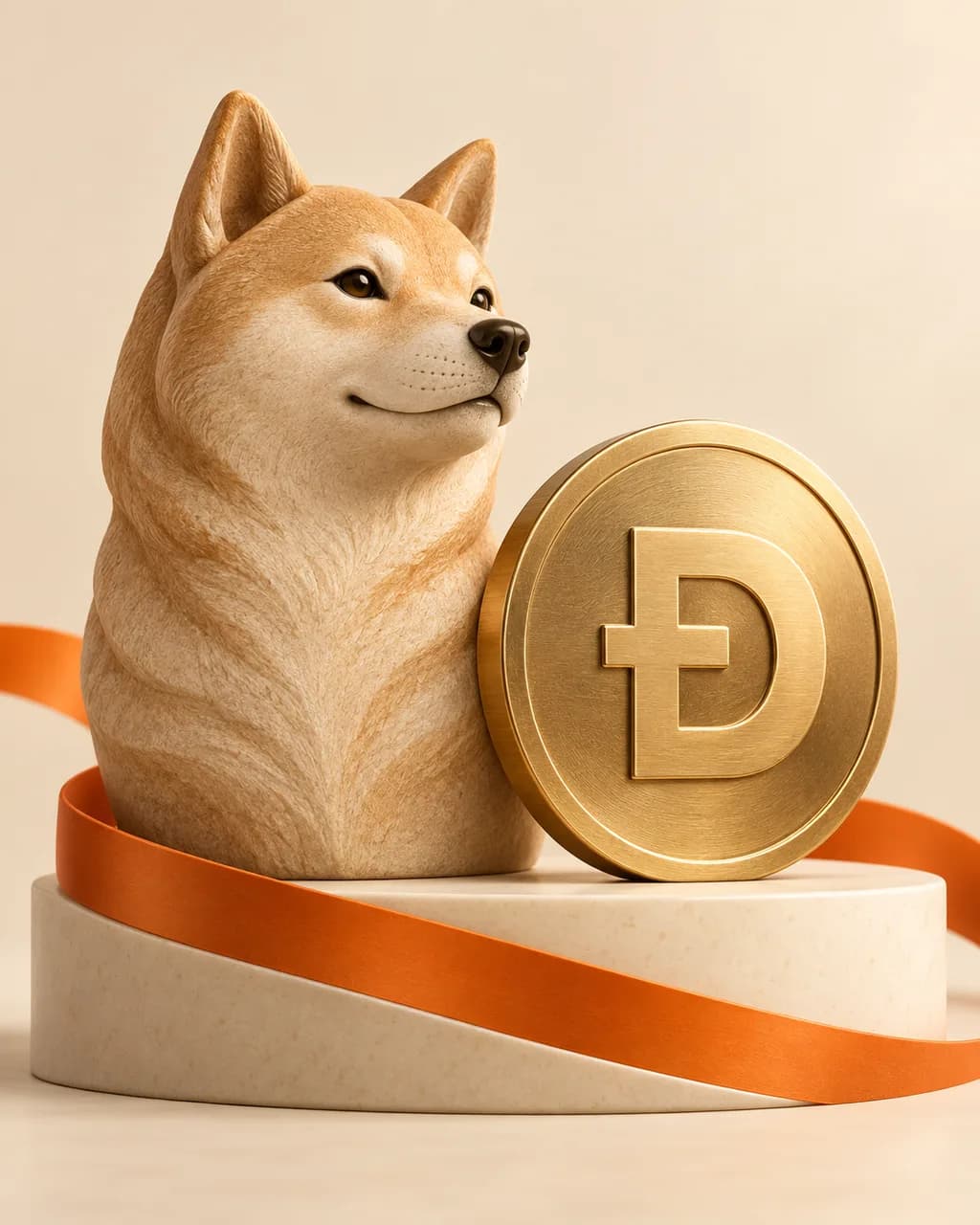
A familiar face, its own blockchain
Dogecoin began as a playful internet currency and is used for peer-to-peer transfers and tipping. DOGE is the coin on the Dogecoin blockchain, rather than a token on Ethereum or Solana.
Its recognisable Shiba Inu branding does not identify every asset with a similar dog theme. Dogecoin, Shiba Inu and other meme-associated tokens are separate assets. Look for DOGE in Flow and in your receiving wallet.
Choose a Dogecoin receiving wallet
Flow delivers DOGE using Dogecoin Network. Open your wallet’s receive screen for Dogecoin and copy its DOGE receiving address, which starts with D in Flow’s supported format.
Do not use a Bitcoin address or an Ethereum token address for this route. If your wallet holds several assets, confirm Dogecoin is selected before copying. Check the complete pasted address against the receive screen before you approve the order.
Review the quantity as well as the coin price
A low price per DOGE does not tell you how much money a purchase puts at risk. Enter the NZD amount you intend to spend and review the resulting DOGE quantity in the quote. Market prices can move sharply, including after delivery.
Your purchased DOGE is sent to the wallet you specify. If the wallet is still synchronising or has selected a different account, it may not show the latest balance immediately. Use the order and transaction details to check progress before repeating a payment.
Learn more from Dogecoin’s introduction.
NZD to your wallet
How to buy Dogecoin through Flow
- 01
Create and verify
Register, confirm your email and complete your profile and the identity checks requested in your dashboard.
- 02
Choose DOGE and pay
Open Buy / Sell, choose Buy and select DOGE. Enter your NZD amount, check your receiving details and review the quote. Use only the payment methods shown for that order.
- 03
Follow the delivery
Pay from an account in your verified name using the exact amount and reference. Delivery follows confirmed payment, trade execution and any required checks. Track progress in your order activity.
Bank processing, required checks, provider availability and blockchain congestion can affect delivery. An order can show manual bank deposit, POLi or Akahu Open Banking; use the methods currently displayed. Payment guidance · Understand your order status
Practical example
Buying DOGE without mixing up dog-themed tokens
An illustrative walkthrough. Your order displays the current amount, quote and available networks.
- In your wallet, choose Dogecoin / DOGE and open Receive on the Dogecoin network. Check that you are not viewing SHIB or another token.
- Select DOGE in Flow and enter your NZD amount. Review the quoted DOGE quantity, paste your Dogecoin receiving address and confirm the network.
- Use the exact payment amount and reference on the order. Once delivery is recorded, check the same Dogecoin account in your wallet and allow the wallet to finish synchronising if needed.
Questions about buying Dogecoin
Is Dogecoin the same as Shiba Inu?
No. Dogecoin uses the DOGE ticker and its own blockchain. Shiba Inu uses SHIB and has different receiving requirements. Similar imagery does not make their wallets or networks interchangeable.
Can I choose an NZD amount instead of a DOGE quantity?
Yes. Enter the NZD amount in the buy journey and review the DOGE quantity in the quote. Current order and network minimums still apply.
Planning to sell for NZD later?
Check the assets and networks currently offered under Sell before making a deposit. Our selling guide explains crypto deposits and payouts to your own verified NZD bank account.
By Flow Crypto Team. Updated . Read our risk disclosure before buying.